GPT-Image-2 API: $0.02 से इमेज जनरेट और एडिट करें — उपलब्ध सबसे सस्ता एक्सेस
GPT-Image-2 API, OpenAI pricing से 50% कम। $0.003 से इमेज जनरेट करें, multi-reference और mask inpainting के साथ एडिट करें, PNG/JPEG/WebP आउटपुट 4K तक। OpenAI-compatible endpoint सीधे इस्तेमाल करें.
TL;DR: GPT-Image-2 आज Smart AIPI पर live है — उसी दिन जब OpenAI ने इसे release किया। मॉडल gpt-image-2 को /v1/images/generations या /v1/images/edits पर use करें। यह OpenAI direct से 50% सस्ता है, multi-reference edits, mask inpainting, JPEG/WebP output, और 4K resolutions support करता है। किसी config change की जरूरत नहीं — कोई भी legacy model ID (dall-e, dall-e-3, gpt-image-latest) सीधे gpt-image-2 पर route होता है।
OpenAI ने अभी GPT-Image-2 release किया है, जो उनका नया flagship image generation और editing model है। हमने इसे उसी दिन Smart AIPI में add कर दिया। किसी भी /v1/images/generations या /v1/images/edits call में model ID gpt-image-2 use करें — कोई config change नहीं, कोई redeployment नहीं, same API key.
नीचे: gpt-image-1.5 की तुलना में वास्तव में क्या बदला, production के लिए multi-reference edits + mask inpainting क्यों important हैं, exact pricing क्या है, और चार languages में working code।
GPT-Image-2 को अलग क्या बनाता है
GPT-Image-2 पहला OpenAI image model है जिसे serious creative workflows के लिए practically deploy किया जा सकता है — सिर्फ one-off demos के लिए नहीं। चार concrete capability changes इसकी वजह हैं:
- Native 4K resolution. GPT-Image-2 अब 3840×2160 (4K landscape) या 2160×3840 (4K portrait) तक की किसी भी dimensions को accept करता है, जो gpt-image-1.5 की 1536×1024 ceiling से ऊपर है। यह maximum output pixels में 7.5× jump है। अब आप एक ही tool call में production-ready hero images, print-quality posters, और cinematic stills generate कर सकते हैं।
- Free-form resolutions. पिछले gpt-image models आपको तीन presets (square, landscape, portrait) तक सीमित रखते थे। GPT-Image-2 किसी भी WxH को accept करता है जहाँ दोनों edges 16 के multiples हों, max edge ≤ 3840px हो, total pixels 655,360 और 8,294,400 के बीच हों, और long-to-short edge ratio ≤ 3:1 हो। इससे हजारों aspect ratios cover होते हैं — banners, social crops, app icons, book covers, film frames।
- High-fidelity reference processing by default. पुराना
input_fidelity: "high"flag अब हमेशा on है। आप जो भी reference image pass करते हैं, वह full detail में process होती है — brand logos crisp रहते हैं, product textures edits के बाद भी survive करते हैं, character faces turns के across recognizable रहती हैं। यहाँ quality/speed trade-off tune करने की जरूरत नहीं है। - Faster low-quality drafts.
quality: "low"at 1024×1024 Smart AIPI के through $0.003 cost करता है और लगभग 20–40 seconds में return होता है। यह इतना सस्ता है कि इसे discard करना आसान है — prompt exploration और UI previews के लिए ideal, before committing to a $0.10+ high-quality render।
Pricing: OpenAI Direct से 50% Off
GPT-Image-2 के लिए OpenAI की direct API pricing 1024×1024 पर $0.006 low / $0.053 medium / $0.211 high है। Non-square sizes (1024×1536, 1536×1024) square rate का 1.5× cost करती हैं।
Smart AIPI के through, हर tier बिल्कुल OpenAI retail का 50% है:
| Quality | Resolution | OpenAI direct | Smart AIPI | You save |
|---|---|---|---|---|
| Low | 1024×1024 | $0.006 | $0.003 | 50% |
| Medium | 1024×1024 | $0.053 | $0.0265 | 50% |
| High | 1024×1024 | $0.211 | $0.1055 | 50% |
| Low | 1024×1536 / 1536×1024 | $0.005 | $0.0045 | ~50% |
| Medium | 1024×1536 / 1536×1024 | $0.041 | $0.0398 | ~50% |
| High | 1024×1536 / 1536×1024 | $0.165 | $0.1583 | ~50% |
एक typical creative iteration cycle — 1024×1024 पर 10 low-quality drafts, फिर 1536×1024 का one high-quality final render — Smart AIPI के through $0.19 cost करता है, जबकि OpenAI direct से $0.38। इसे दिन में ऐसे 100 cycles produce करने वाले studio पर scale करें, और आप बिना किसी effort के month में $570 बचा रहे हैं।
कोई और provider GPT-Image-2 को इस discount पर offer नहीं करता। OpenRouter OpenAI direct pricing के साथ margin pass through करता है। Fal, Replicate, और Vertex OpenAI models host ही नहीं करते। Smart AIPI ChatGPT Business subscription image capacity aggregate करता है और savings सीधे pass through करता है।
Multi-Reference Edits: Composable Creative Workflows
GPT-Image-2 का edit endpoint एक ही call में multiple reference images accept करता है। यही capability real creative workflows unlock करती है — product composites, scenes across brand-consistent characters, collage generation।
Smart AIPI official OpenAI SDK द्वारा उन्हें भेजने के हर तरीके को support करता है:
Python SDK (multipart with image[])
from openai import OpenAI
client = OpenAI(base_url="https://api.smartaipi.com/v1")

result = client.images.edit(
    model="gpt-image-2",
    image=[
        open("body-lotion.png", "rb"),
        open("bath-bomb.png",  "rb"),
        open("incense-kit.png","rb"),
        open("soap.png",       "rb"),
    ],
    prompt="रिबन के साथ photorealistic gift basket 'Relax & Unwind', जिसमें reference images की items शामिल हों।",
)

with open("gift-basket.png","wb") as f:
    f.write(base64.b64decode(result.data[0].b64_json))
JSON API (array of base64 strings)
curl https://api.smartaipi.com/v1/images/edits \
  -H "Authorization: Bearer YOUR_API_KEY" \
  -H "Content-Type: application/json" \
  -d '{
    "model": "gpt-image-2",
    "prompt": "References की सभी items वाला gift basket",
    "image": ["<base64-png-1>", "<base64-png-2>", "<base64-png-3>"]
  }'
curl multipart (both image[] and repeated image work)
curl https://api.smartaipi.com/v1/images/edits \
  -H "Authorization: Bearer YOUR_API_KEY" \
  -F "model=gpt-image-2" \
  -F "image[][email protected]" \
  -F "image[][email protected]" \
  -F "image[][email protected]" \
  -F "image[][email protected]" \
  -F "prompt=सभी referenced items के साथ gift basket"
Mask Inpainting: Surgical Edits
किसी specific region तक edits सीमित करने के लिए image के साथ mask pass करें। mask में white pixels उन areas को दर्शाते हैं जिन्हें rewrite करना है; black pixels unchanged preserve रहते हैं।
curl https://api.smartaipi.com/v1/images/edits \
  -H "Authorization: Bearer YOUR_API_KEY" \
  -F "model=gpt-image-2" \
  -F "image=@sunlit_lounge.png" \
  -F "[email protected]" \
  -F "prompt=pool को flamingo float से replace करें"
Mask format requirements: primary image के same pixel dimensions, alpha channel वाला PNG, ≤ 50MB। अगर आपका source mask transparency के बिना RGB है, तो OpenAI docs में एक 10-line PIL snippet शामिल है जो grayscale values से alpha channel जोड़ता है।
Generate: Basic Request
curl https://api.smartaipi.com/v1/images/generations \
  -H "Authorization: Bearer YOUR_API_KEY" \
  -H "Content-Type: application/json" \
  -d '{
    "model": "gpt-image-2",
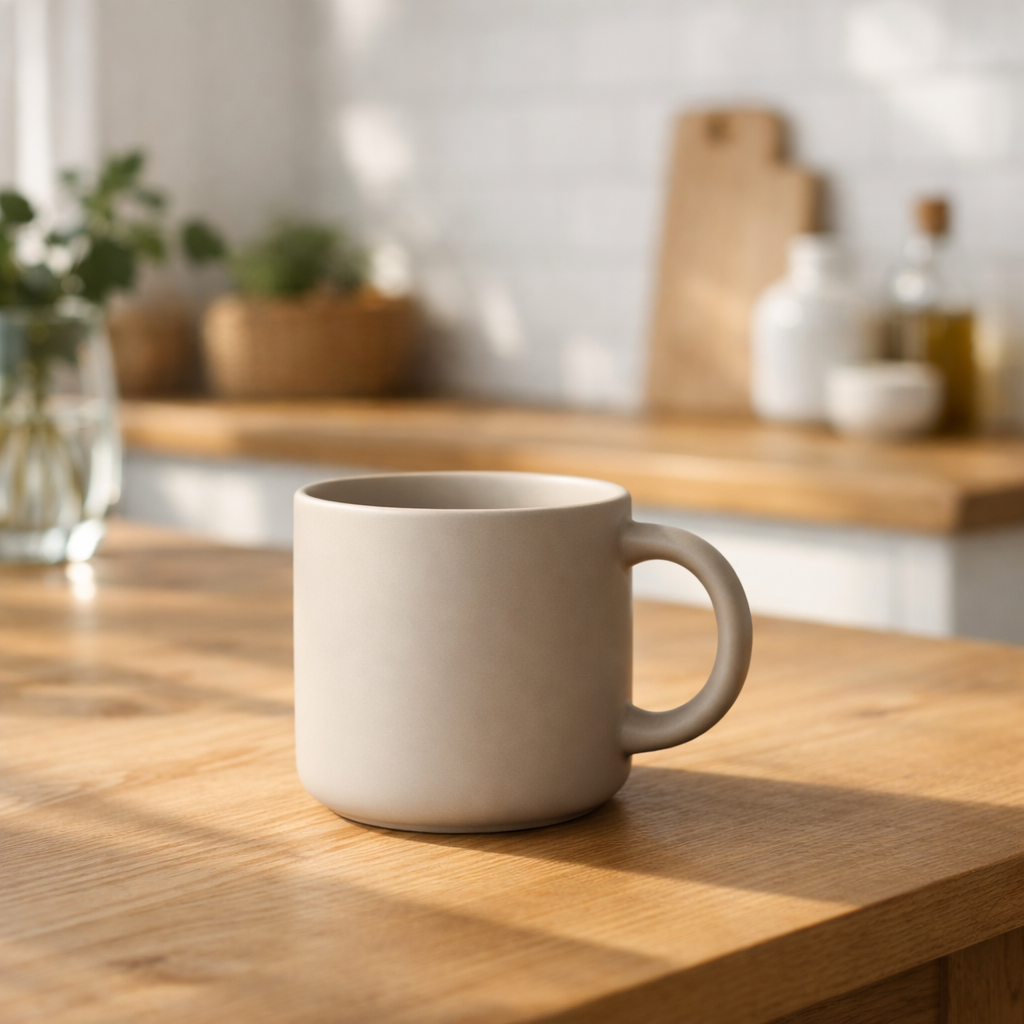
    "prompt": "Weathered oak table पर एक photorealistic coffee mug",
    "size": "2048x2048",
    "quality": "high"
  }'
Response एक standard OpenAI shape है — { "created": ..., "data": [{ "b64_json": "..." }] }। PNG bytes पाने के लिए b64_json को Base64-decode करें।
Output Formats: PNG, JPEG, WebP
output_format का use container control करने के लिए करें। JPEG, PNG की तुलना में noticeably faster stream back होता है और latency ज्यादा important होने पर यही सही default है। File size tune करने के लिए JPEG या WebP को output_compression (0–100) के साथ pair करें।
{
  "model": "gpt-image-2",
  "prompt": "Cinematic landscape, golden hour",
  "size": "3840x2160",
  "quality": "high",
  "output_format": "jpeg",
  "output_compression": 85
}
Supported Parameters (v1/images/generations & v1/images/edits)
model—gpt-image-2(default),gpt-image-1.5,gpt-image-1,gpt-image-1-mini. Legacy aliasesdall-e,dall-e-3,gpt-image,gpt-image-latestall map to gpt-image-2.prompt— required text instruction.n— batch size, 1–10. Smart AIPI server-side loop करता है क्योंकि Codex image tool एक call में one image produce करता है।size—autoया कोई भी WxH जो gpt-image-2 की constraints satisfy करे (16 के multiples, edges ≤ 3840, 655,360 ≤ pixels ≤ 8,294,400, long:short ≤ 3:1)।quality—low/medium/high/auto(default medium)।output_format—png(default) /jpeg/webp.output_compression— 0–100, सिर्फ jpeg/webp के लिए।background—auto/opaque. Transparent gpt-image-2 में support नहीं है; अगर इसकी जरूरत हो तो gpt-image-1.5 use करें।moderation—auto(default) /low.image(edits only) — single base64 string या base64 strings का array (JSON) / multipart file parts के रूप मेंimageयाimage[].mask(edits only) — single base64 string (JSON) / multipart file. White=edit, black=preserve.
Response Shape
OpenAI के /v1/images response जैसा ही। एक field optionally add होती है: अगर Codex backend revised_prompt emit करता है, तो Smart AIPI उसे हर image item पर surface करता है।
{
  "created": 1777064910,
  "data": [
    {
      "b64_json": "iVBORw0KGgo...",
      "revised_prompt": "A detailed photorealistic coffee mug..."
    }
  ]
}
Get Started
Free credits included. हर नए account को $5 के free credits मिलते हैं — लगभग 1,650 low-quality drafts, 188 medium renders, या 47 high-quality hero images के लिए पर्याप्त। smartaipi.com/signup पर signup करें।
- Sign up at smartaipi.com/signup (free credits, no credit card)
- Create an API key in the dashboard
- Set your base URL to
https://api.smartaipi.com/v1 - Use model
gpt-image-2
Same OpenAI-compatible API shape, same Python / JavaScript / curl code, same image-generation tools — अब OpenAI के newest flagship image model के साथ, आधी कीमत पर।
OpenAI-संगत API गेटवे। frontier AI models तक 75% कम लागत में पहुंचें।
मुफ़्त में शुरू करें